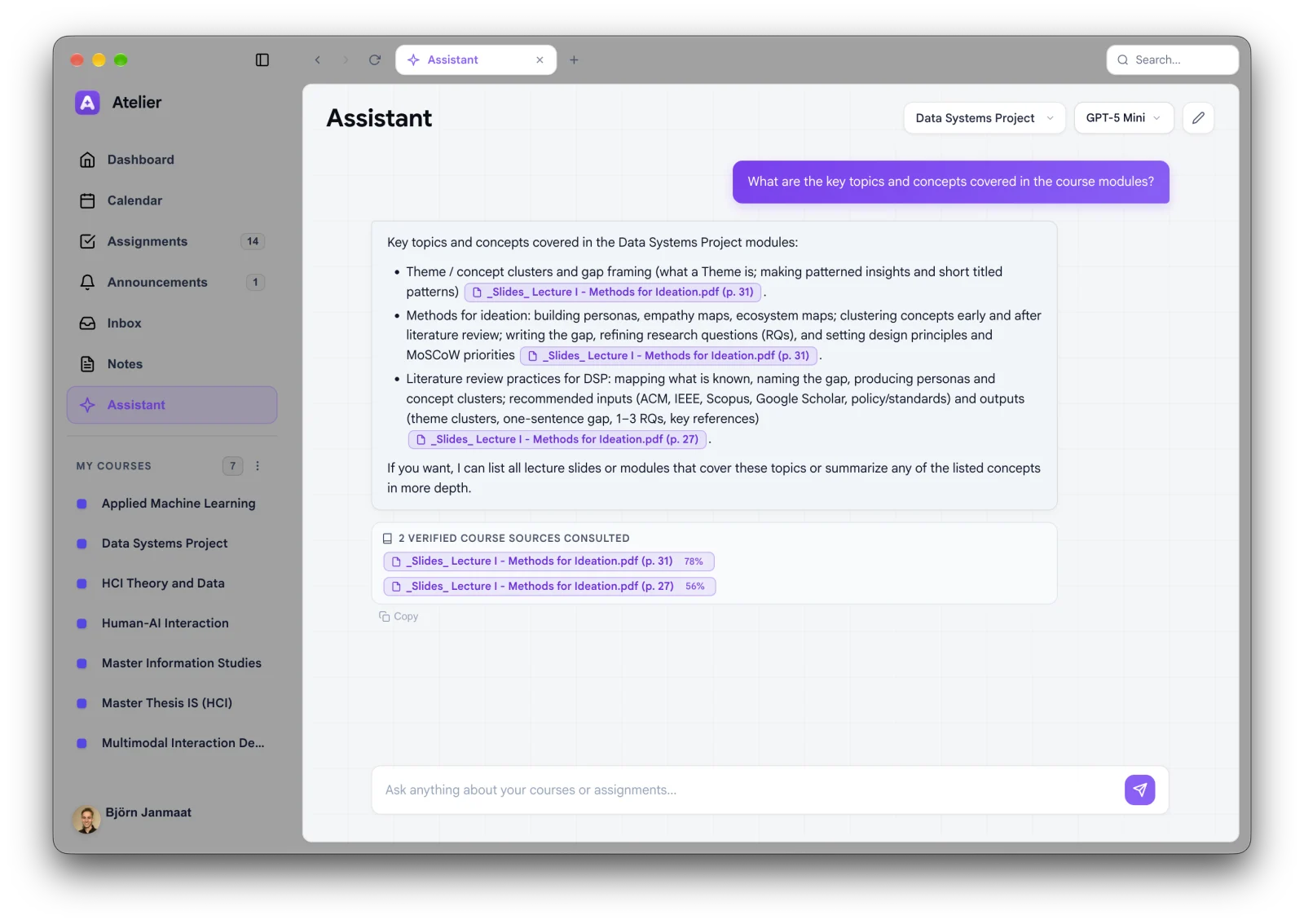
Cluttered and slow
The interface is unintuitive, crowded and slow to move through.
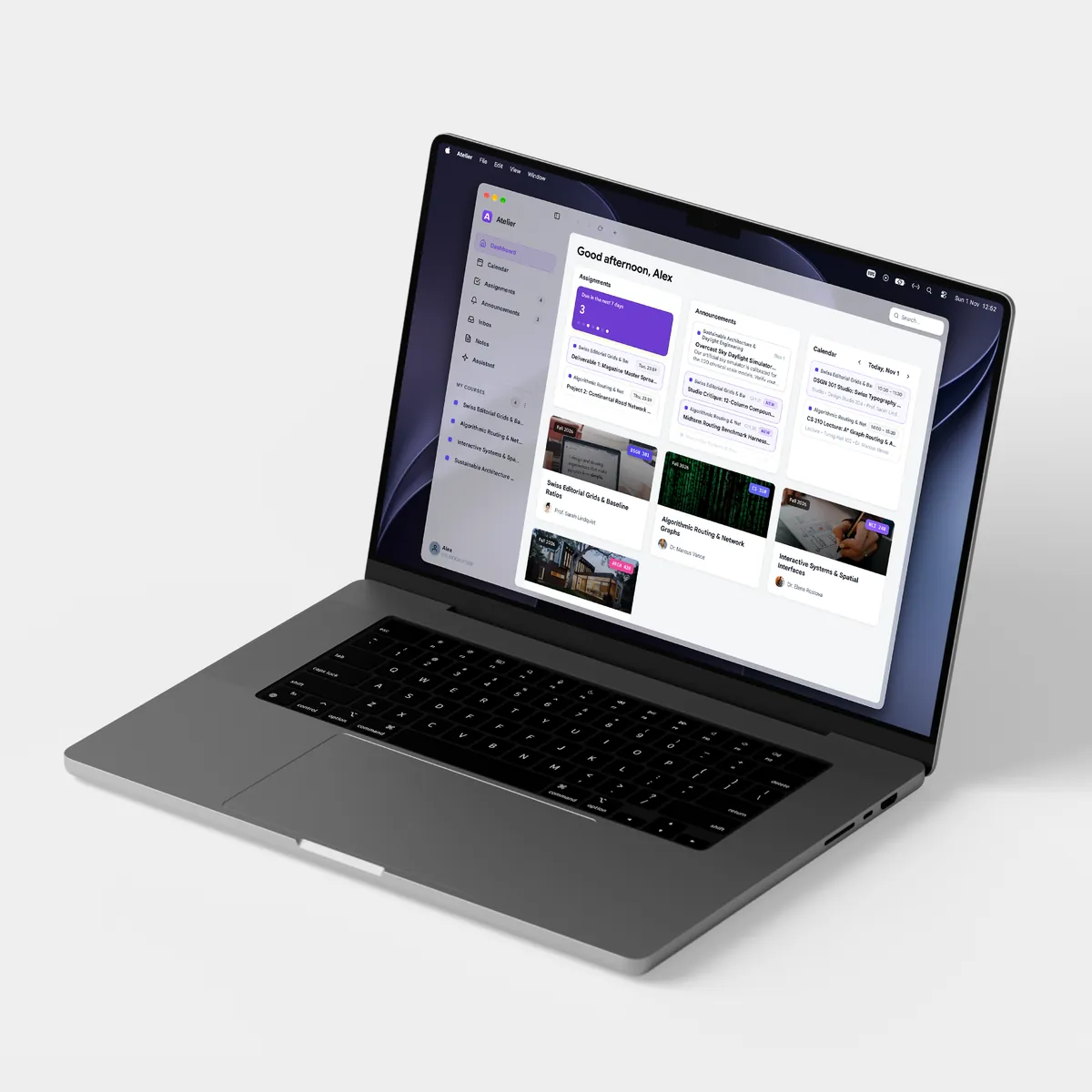
An open-source desktop client for Canvas LMS.
01The problem
As a student, I use Canvas, the learning platform for courses, assignments and files, every day. Canvas only offers a web app, and I often found it a poor experience.
The interface is unintuitive, crowded and slow to move through.
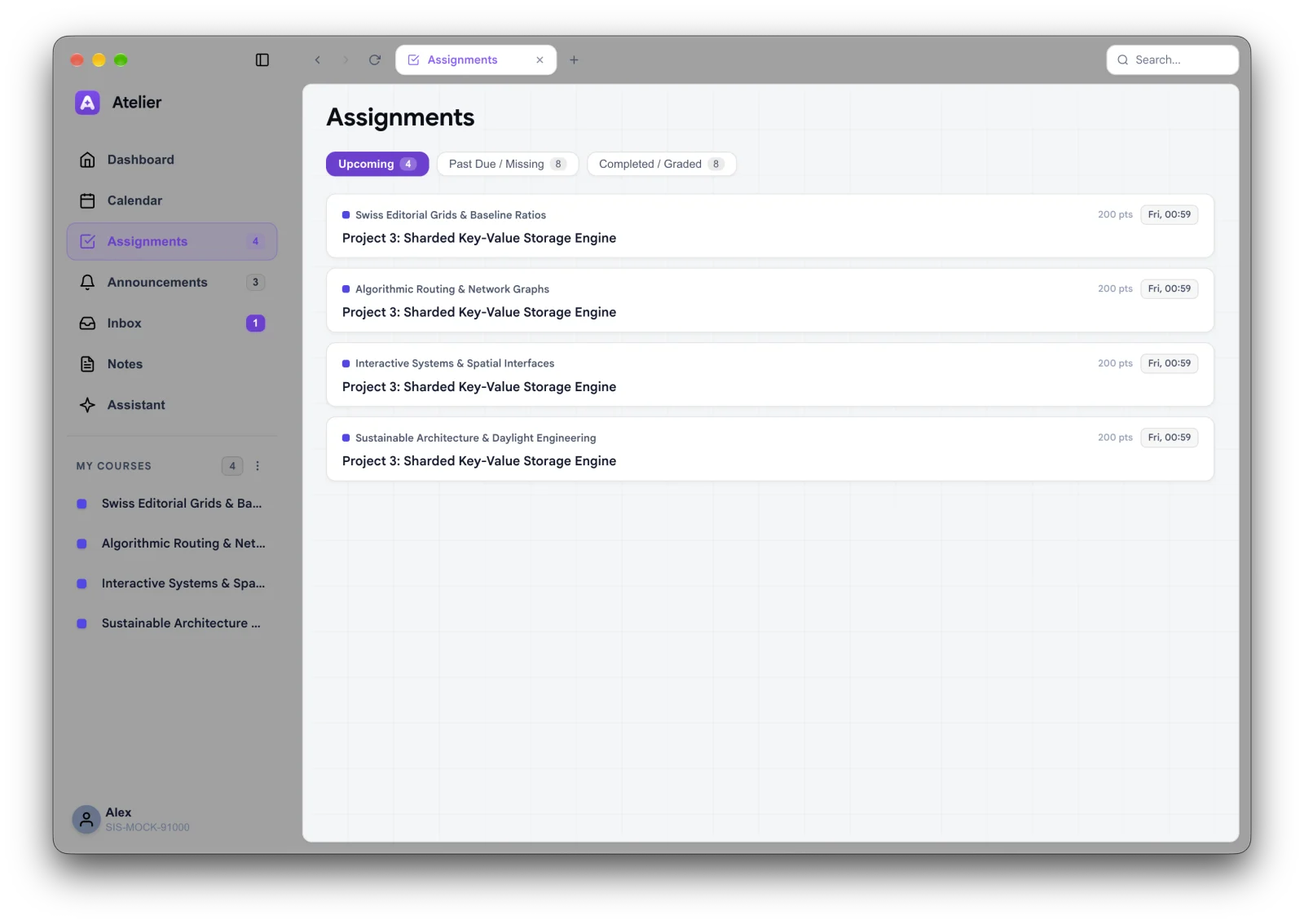
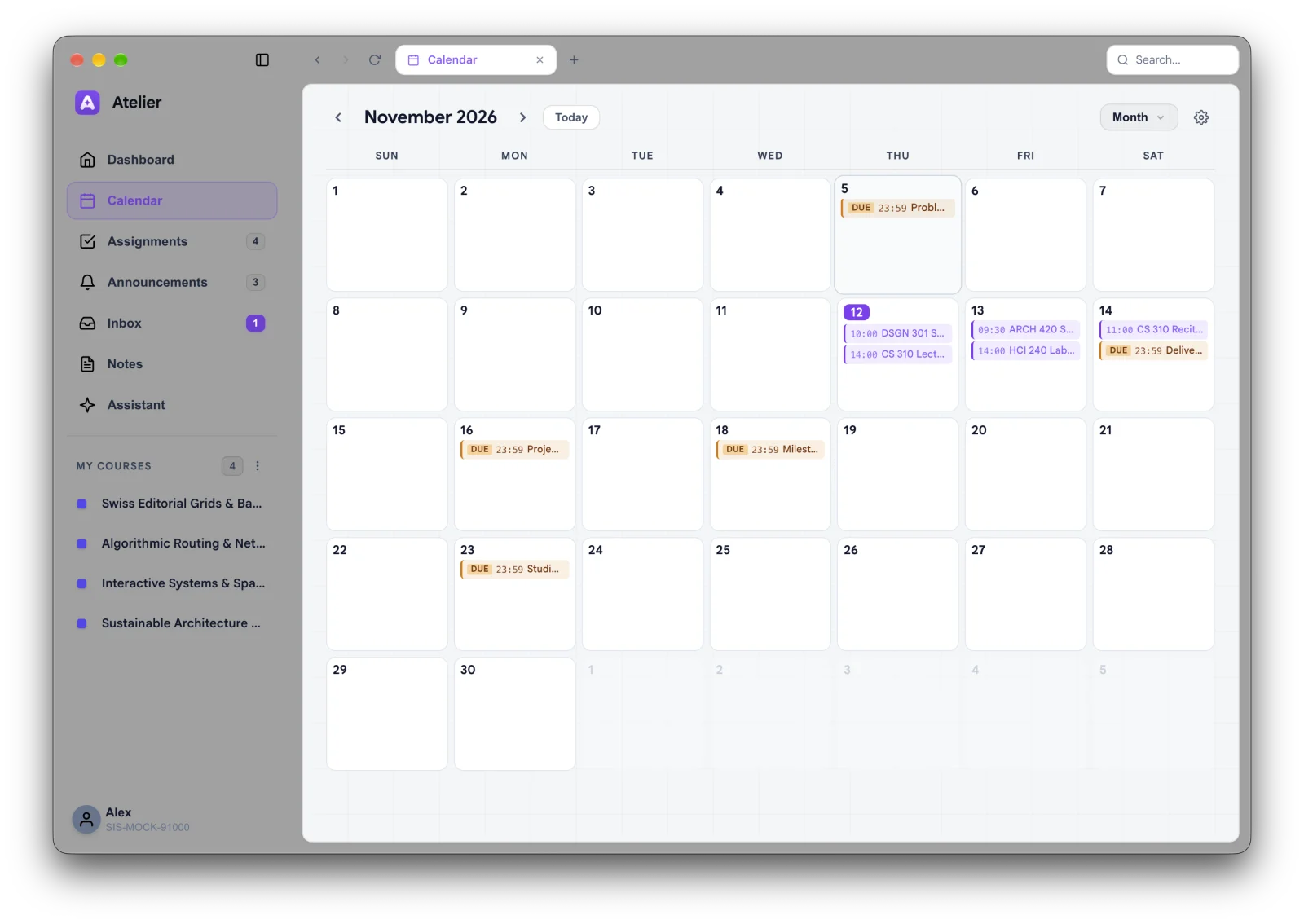
There's no central overview: deadlines are spread over separate course pages.
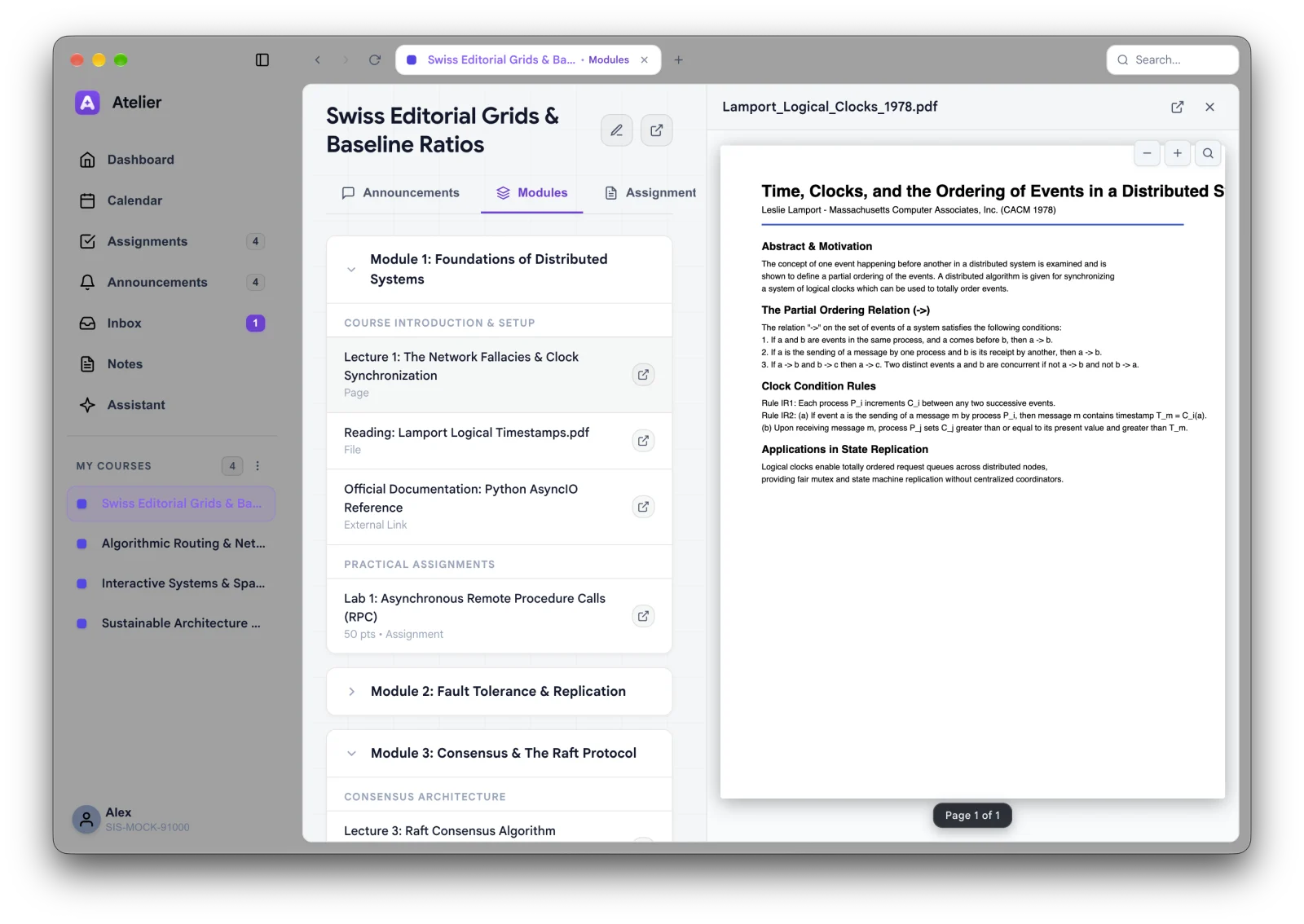
A file opens on a separate page, in a small viewer, or has to be downloaded first.
Without an internet connection, you can't get to your courses at all.
02The approach
Canvas offers an API that students can use with a personal access token. That made it possible to build my own desktop app on top of it: open source, with all data stored locally so it's available offline and fast, and a custom interface designed to drastically improve the experience.
03The app
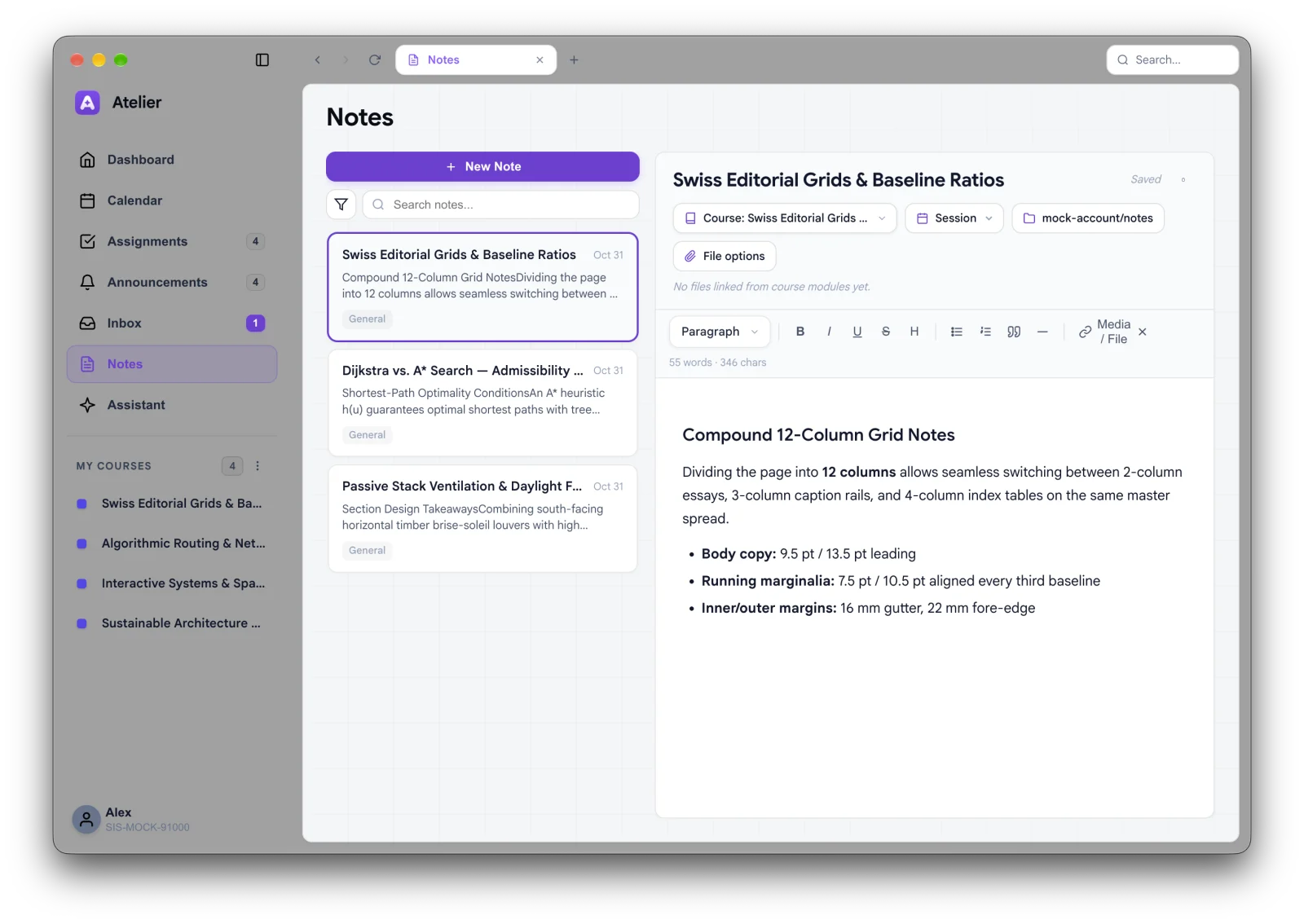
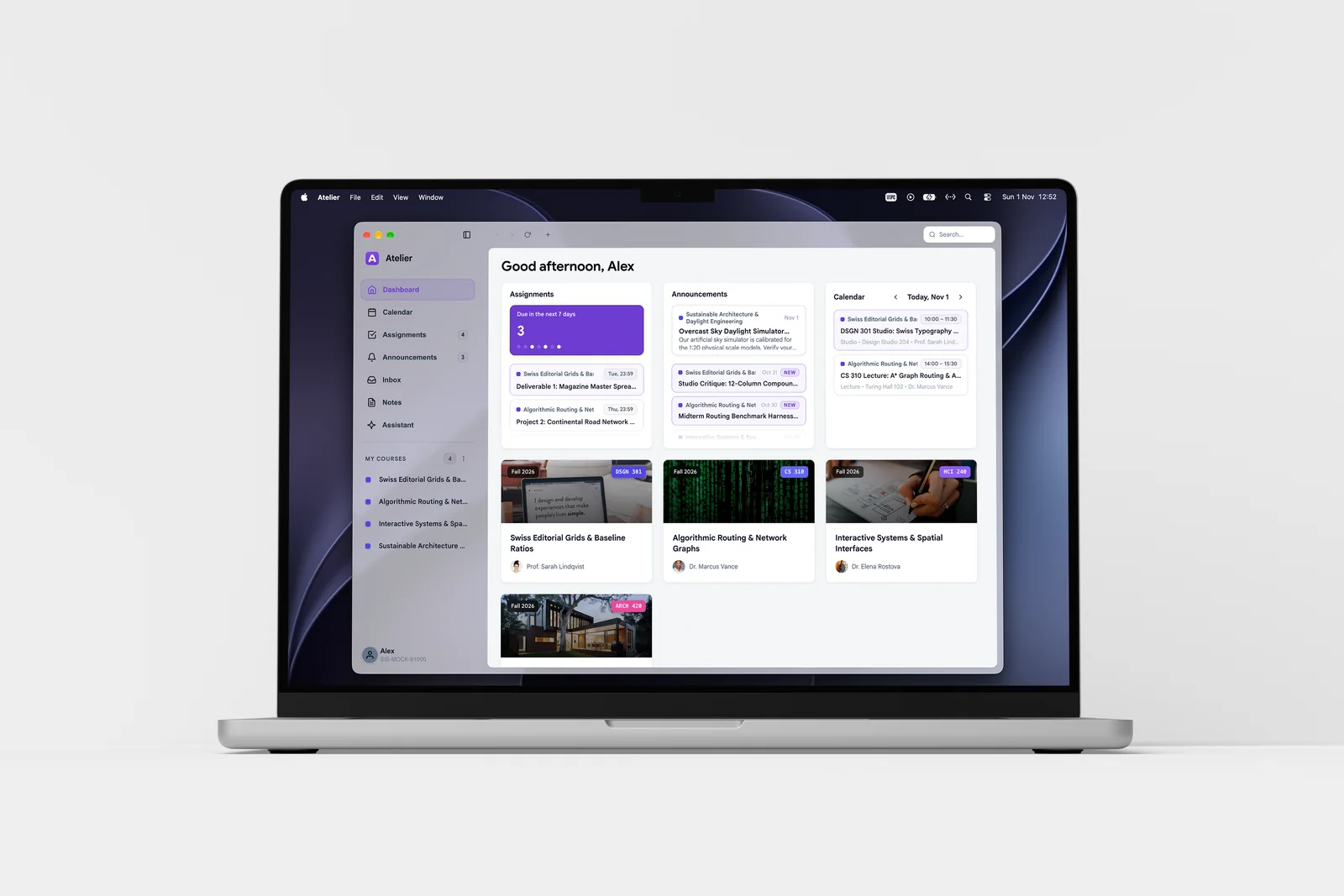
Atelier opens on a personal home screen with what matters today, and adds the features I missed in Canvas.